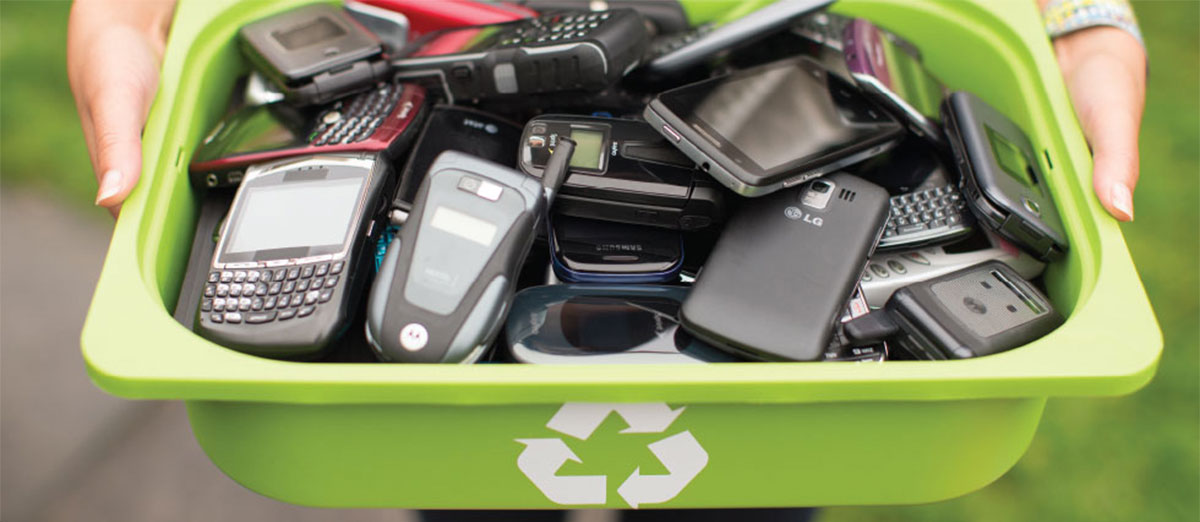
With New Advancements in both software and hardware technology the time gap for releasing new upgraded version of their products have reduced form yearly release to quarter for some manufacturers like [Xiaomi for eg] with new Lineup of Products with upgraded specifications launching every now and then with minor upgrades, Even the Reasonable Buyers have started to upgrade their Phone , Tablets even before the Device has ran out of its software and Security Updates Guaranteed by the Manufacturer or any hardware fault occurs, because of which in almost every household in India there is drawer somewhere getting filled with old smartphone and tablets with their chargers gathering dust with much of its life left
I too had a almost mint condition unused Android Tablet Lying around
Year of Manufacturing : 2013
Android Version :4.1 (Tone of Bloatware)
Battery :3100mah
Screen Size :7 Inch
Bluetooth Support : Nope
Processor :ARM Cortex A-9
Storage :512 MB RAM | 8 GB ROM
Step 1: Cleanup
-> Finding a custom ROM and flashing it is tedious and isn't worth the time so its better flash or reset the device first to factory settings and download a root app like King ROOT or Super Root and root the Android and Remove all the Bloatware after reset , to Reduce Resource Consumption and Improve CPU Performance
Step 2:Setting UP
-> Setting Up , I won't recommend setting up Android account or personal accounts in such old hardware, so do not sign with google ID , better browse the internet and download the Lite or Mini Versions of the Essentials Apps .apk files and Install it like UC mini for Web Browser , MX Player for VIdeo , Google Go apps Series for Google Services
My Purpose was to use the Tablet for Reading Purpose So i used Lithium Epub Reader to read epub files of ebooks and foxit PDF reader for PDF
Step 3: Transfering Data In and Out
-> with all the Apps set up its time to load the content if the content is available in the browser you are good to go but if you are Money saver who dont buy , or pay for Music, streaming services and use your Geeks Skills to get hands on the content [Try Telegram ;)] the best cross platform and Simultaneous Sync service and move content in and out with the use of Cloud i would recommend using Telegram messenger for transfering Movies , pdf books and links across digital devices
Step 4: Switch off all the Non essential Settings
-> to reduce the battery drain and improve performance switch of settings like wifi scanning, check for software updates, and other irrelevant settings
 i have almost a dozen of different electrical devices which have a lot of their life left and can be reused for some other purpose until they die of their natural death and can be disposed of Properly [Will find a proper e-disposal and recycle service in my region] lets see which all device get resurrected :)
Here is the Pic of my New E Book Reader
I too had a almost mint condition unused Android Tablet Lying around
Year of Manufacturing : 2013
Android Version :4.1 (Tone of Bloatware)
Battery :3100mah
Screen Size :7 Inch
Bluetooth Support : Nope
Processor :ARM Cortex A-9
Storage :512 MB RAM | 8 GB ROM
Step 1: Cleanup
-> Finding a custom ROM and flashing it is tedious and isn't worth the time so its better flash or reset the device first to factory settings and download a root app like King ROOT or Super Root and root the Android and Remove all the Bloatware after reset , to Reduce Resource Consumption and Improve CPU Performance
Step 2:Setting UP
-> Setting Up , I won't recommend setting up Android account or personal accounts in such old hardware, so do not sign with google ID , better browse the internet and download the Lite or Mini Versions of the Essentials Apps .apk files and Install it like UC mini for Web Browser , MX Player for VIdeo , Google Go apps Series for Google Services
My Purpose was to use the Tablet for Reading Purpose So i used Lithium Epub Reader to read epub files of ebooks and foxit PDF reader for PDF
Step 3: Transfering Data In and Out
-> with all the Apps set up its time to load the content if the content is available in the browser you are good to go but if you are Money saver who dont buy , or pay for Music, streaming services and use your Geeks Skills to get hands on the content [Try Telegram ;)] the best cross platform and Simultaneous Sync service and move content in and out with the use of Cloud i would recommend using Telegram messenger for transfering Movies , pdf books and links across digital devices
Step 4: Switch off all the Non essential Settings
-> to reduce the battery drain and improve performance switch of settings like wifi scanning, check for software updates, and other irrelevant settings
 i have almost a dozen of different electrical devices which have a lot of their life left and can be reused for some other purpose until they die of their natural death and can be disposed of Properly [Will find a proper e-disposal and recycle service in my region] lets see which all device get resurrected :)
Here is the Pic of my New E Book Reader